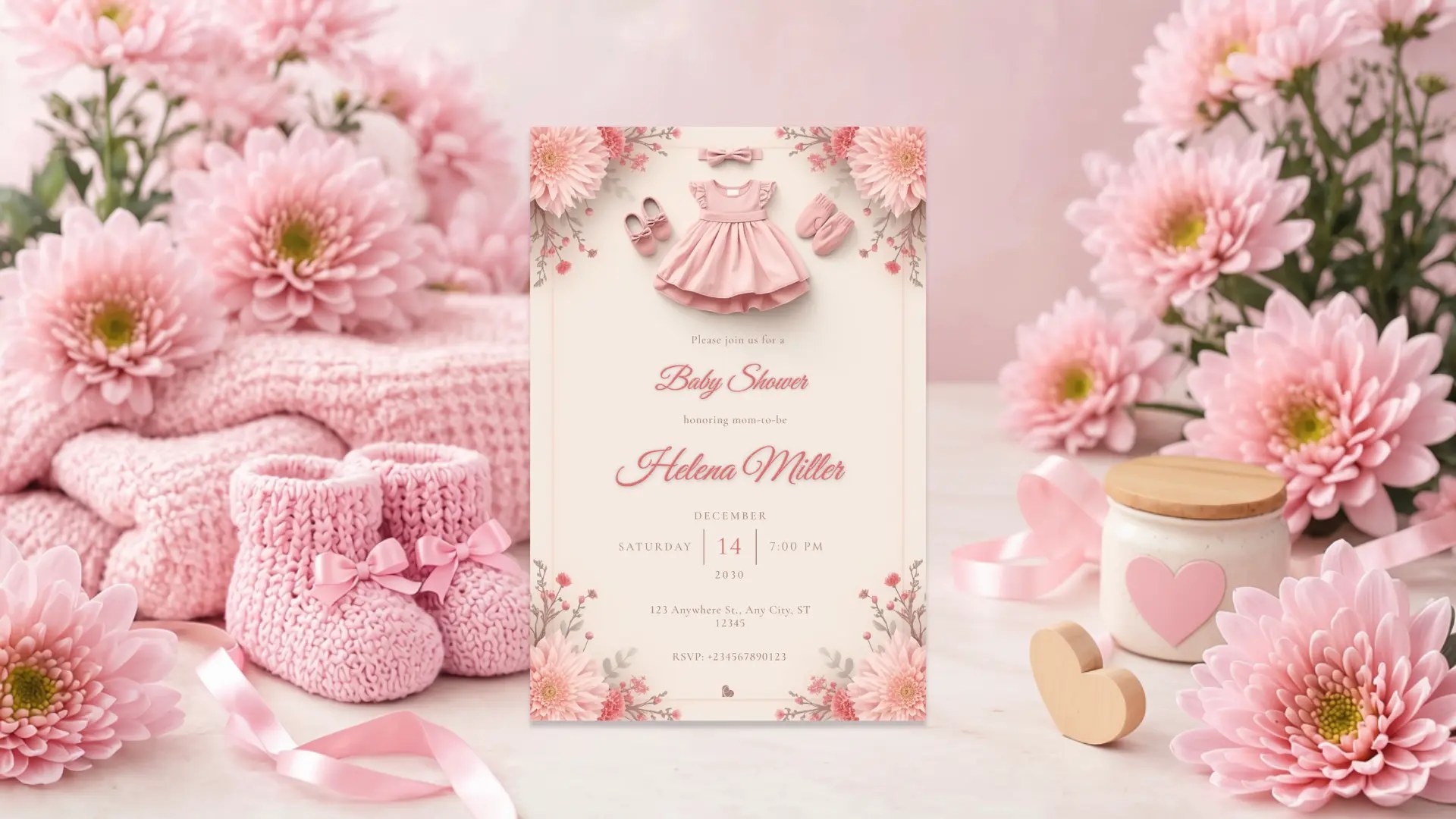
From choosing a design to adding your own details, discover how simple it can be to create a finished digital invitation for a wedding, birthday or baby shower.
An invitation does not have to begin with a blank page.
You do not need to choose fonts, arrange flowers or spend an evening trying to make every detail sit perfectly together. When the design is already there, you can simply find the one that feels right, make it yours, and share it with the people you are inviting.
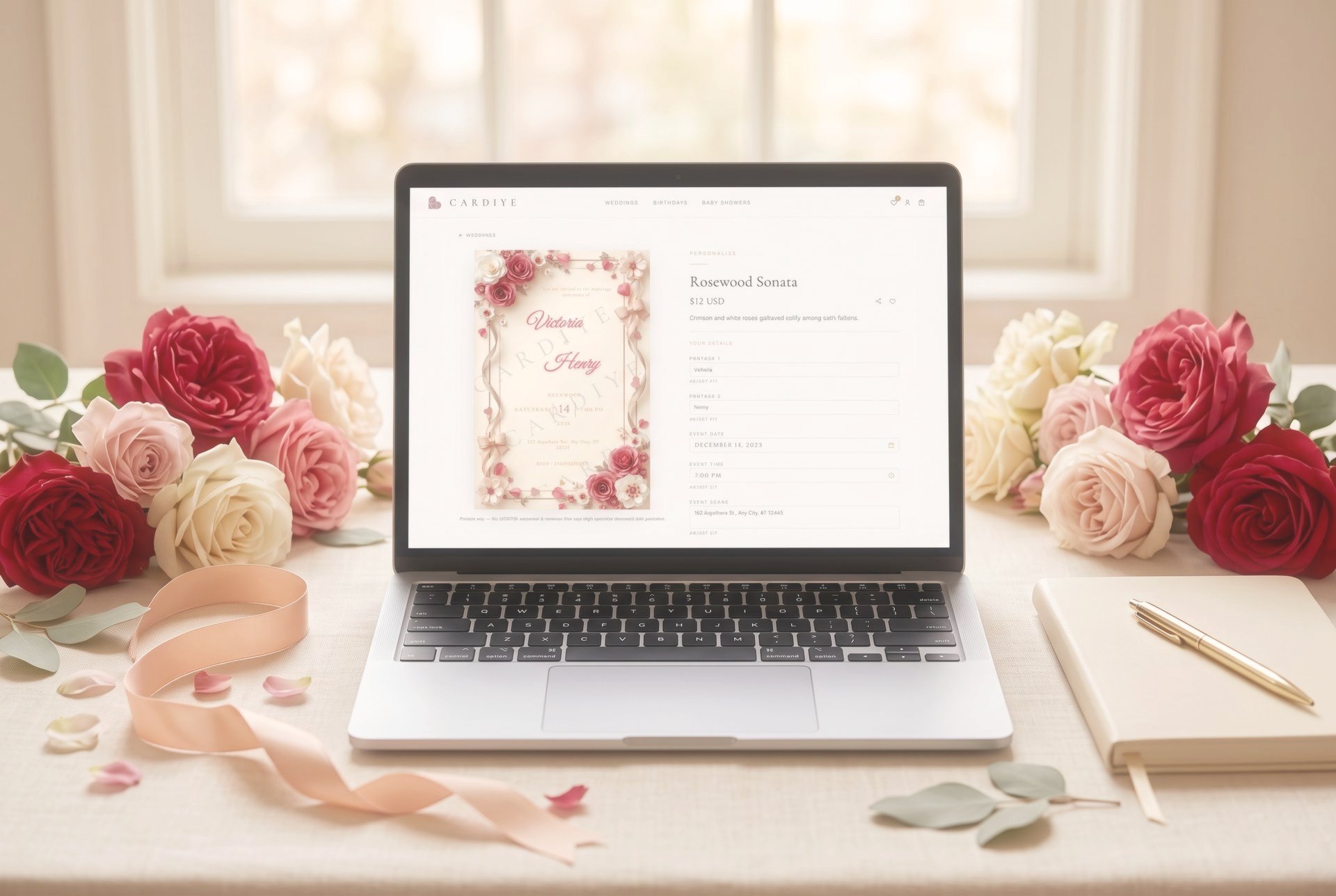
A digital invitation makes the process wonderfully simple. Choose your occasion, find a design you love, add your details and see your finished invitation come together as you write.
Start with the occasion
Begin with the celebration you are planning.
A wedding carries a different feeling from a birthday, just as a baby shower has its own sense of anticipation. Starting with the occasion lets you explore designs created specifically for that kind of celebration.
Browse the Cardiye collections for wedding invitations, birthday invitations or baby shower invitations, and take your time finding something that feels like the occasion you have imagined.
Find a design that feels right
The invitation is often the first glimpse your guests will have of the celebration, so choose something that reflects its atmosphere.
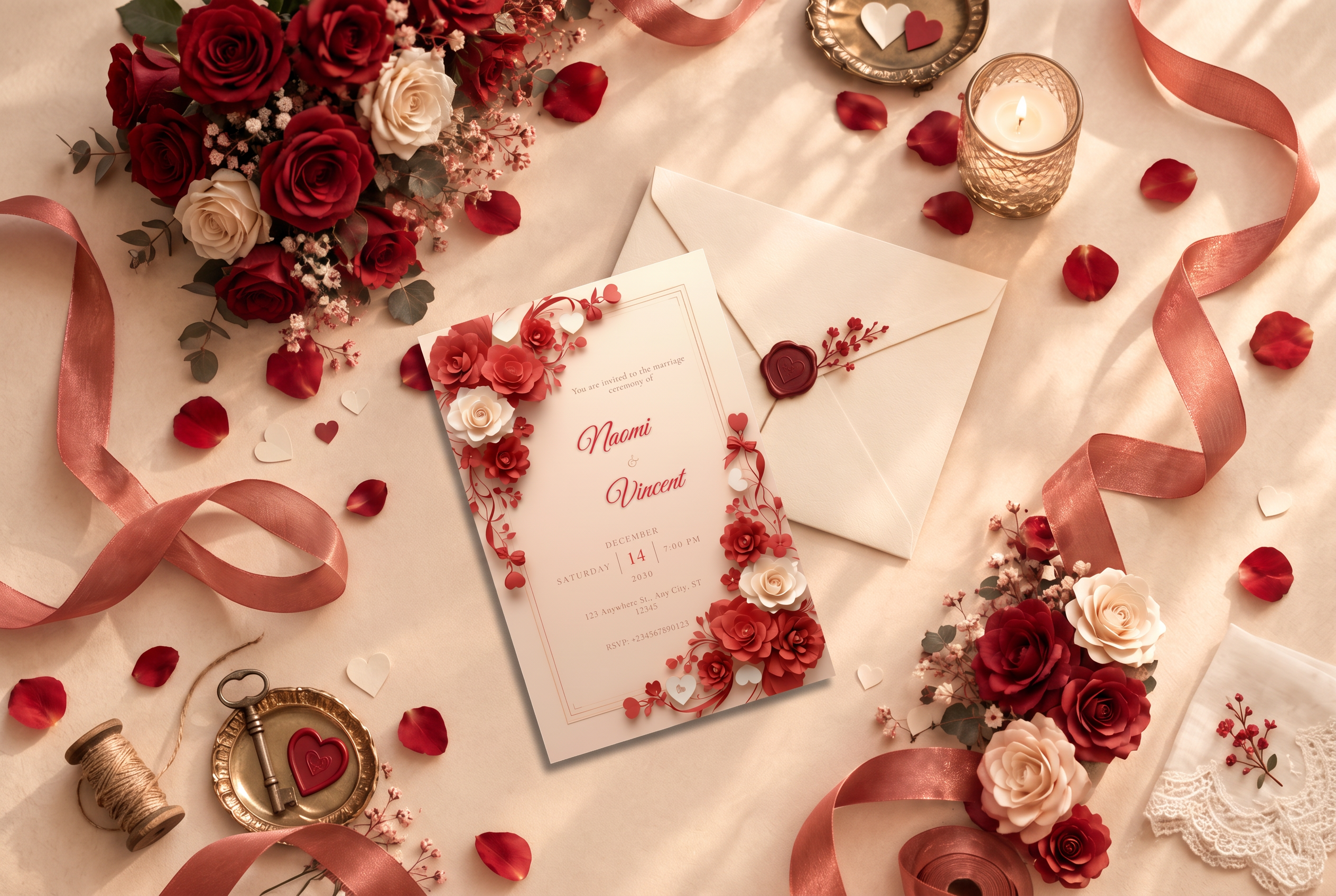
A romantic wedding might call for delicate florals and graceful details. A milestone birthday might feel more at home with rich colour and elegant accents. A baby shower may suit soft pastels, delicate botanicals or a beautifully understated palette.
You do not need to design the card yourself. The details have already been thoughtfully composed. Your part is simply to find the one that speaks to you.
Add your details
Once you have found your design, it is time to make it yours.
Depending on the invitation, you can add the names, celebration details, date, time, venue and RSVP information your guests need.
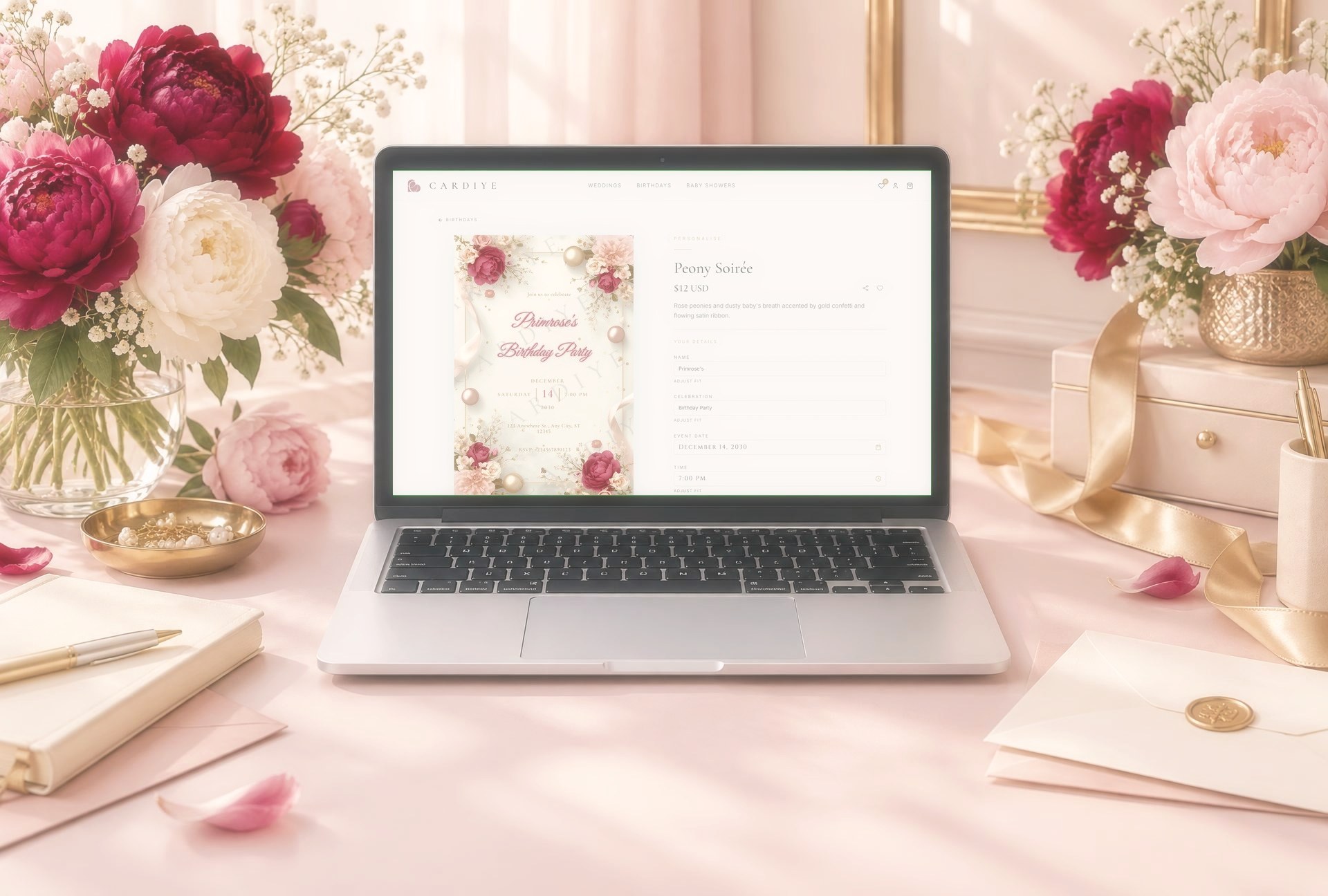
As you type, the invitation updates live, so you can see how your own details look within the finished design.
You are not starting from scratch. You are simply adding your story to something that has already been beautifully created.
Let the details come together
This is where a beautiful design begins to feel personal.
Your name. Your date. Your celebration.
The details that make the invitation yours are placed within the design as you enter them, while the original artwork and layout remain beautifully composed.
Take a moment to read through the invitation as it appears on screen. Make sure the names are exactly right, the date and time are correct, and your venue and RSVP details are ready to share.
For wedding invitations, the date picker also helps by showing the corresponding day of the week, making it easier to catch an accidental mismatch before you finish.
Preview it before you purchase
One of the nicest parts of creating a digital invitation is being able to see it before you commit.
Read through the finished card from beginning to end. Look at the names, date, time, venue and RSVP details exactly as your guests will see them.
If everything feels right, your invitation is ready.
Sometimes the moment an invitation feels finished is the moment the celebration begins to feel real.
Download and share
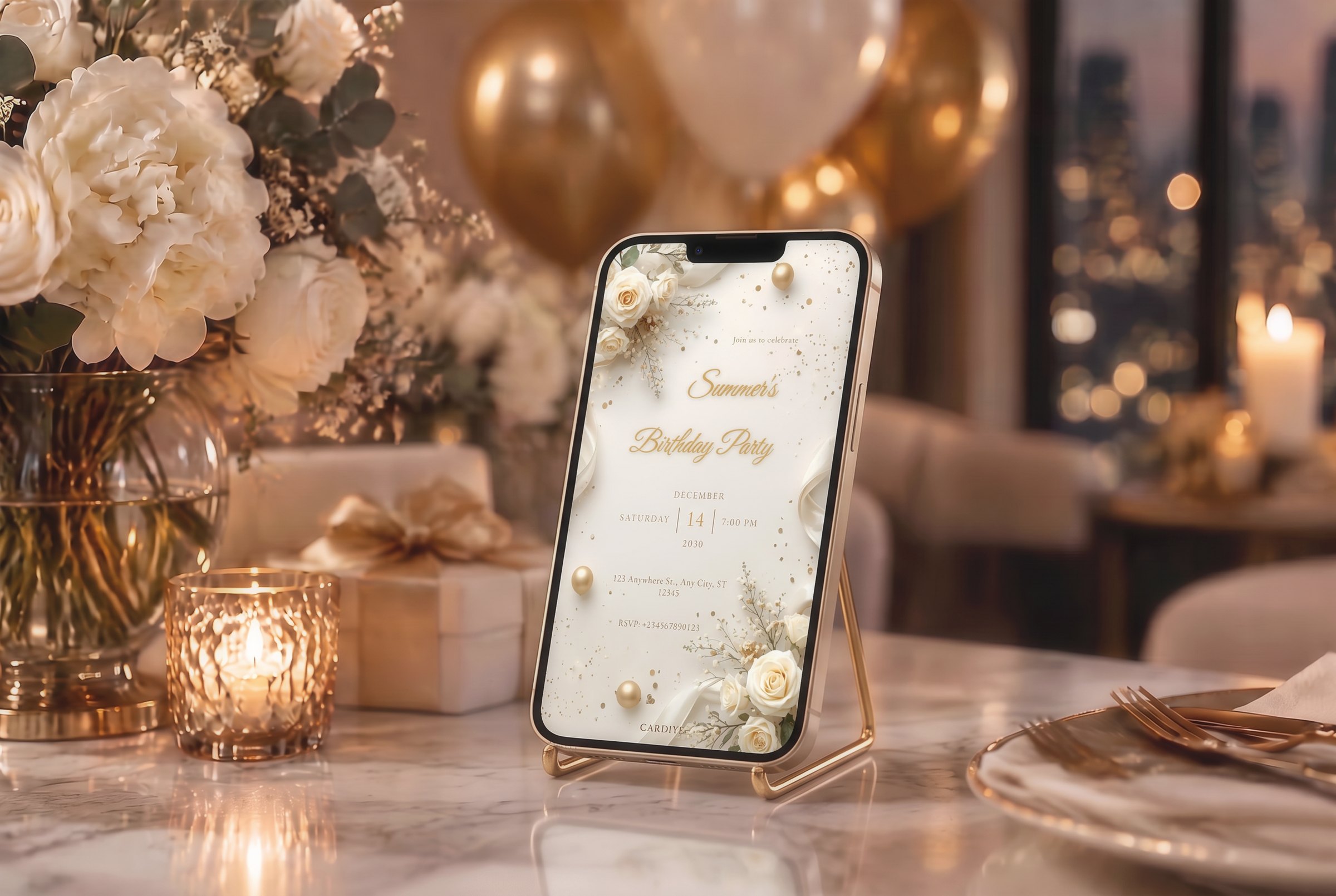
Once you have completed your purchase, download your finished invitation as a high-resolution image.
Your invitation is ready to share digitally, whether that means sending it through WhatsApp, email or your usual messaging app.
No printing. No envelopes. No waiting for delivery.
Just your finished invitation, ready to make its way to the people you want there.
A few details worth checking
Before sending your invitation, give it one final read.
- Names: Are they spelled exactly as you want them?
- Date: Is the date correct?
- Time: Is the start time clear?
- Venue: Is the location information complete?
- RSVP: Will guests know exactly how to respond?
It only takes a moment, and it means your beautiful invitation is ready to go with confidence.
Make it yours
Creating an invitation online does not have to mean designing one from the ground up.
With Cardiye, the beautiful part is already there.
Choose a design you love, personalize it with your own details, preview it as you go and download the finished invitation when everything feels right.
Whether it is the beginning of a marriage, a birthday worth celebrating or a new little life on the way, your invitation is the first glimpse of something special.
Find the design. Make it yours. Share the moment.
Start with a design
Personalize your invitation
Type in your details, watch the card update live, then download it in high resolution and share it the same minute.